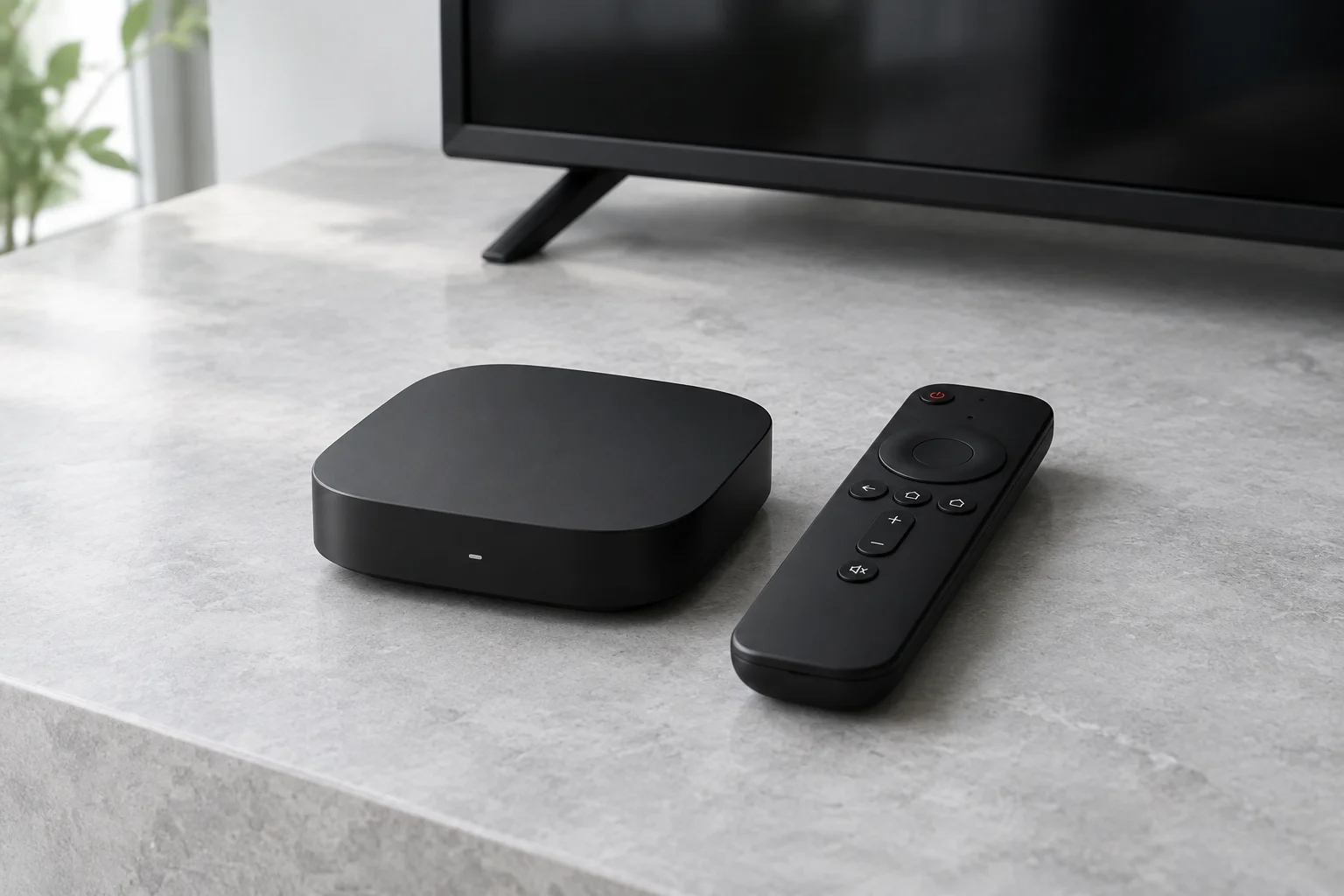
Confirm the television platform
Check that your device actually runs Android TV or the relevant Google TV platform rather than a different smart TV system. Search the app store on that device. Firmware, region and model requirements can affect whether a particular player is offered.
A television-first player
TiviMate’s official listing describes a large-screen interface and M3U, Xtream Codes and Stalker Portal support. These are player capabilities, not included channels. Match the format to what your authorised provider supplies and inspect the publisher’s current upgrade terms.
Remote, storage and connection limits
Check that the remote can navigate the player comfortably. Recording and multiview, when offered by a player, can depend on storage and provider permissions. Several visible windows may consume several permitted streams; ask before enabling them.
Programme-guide setup
An EPG can need a separate address and a time-zone check. It does not itself provide playback access or catch-up rights. Use the TiviMate guide for its setup checks and the troubleshooting hub for empty guide data or playback failures.
Sources and further reading
Official references for the guidance above. App availability and terms may change.