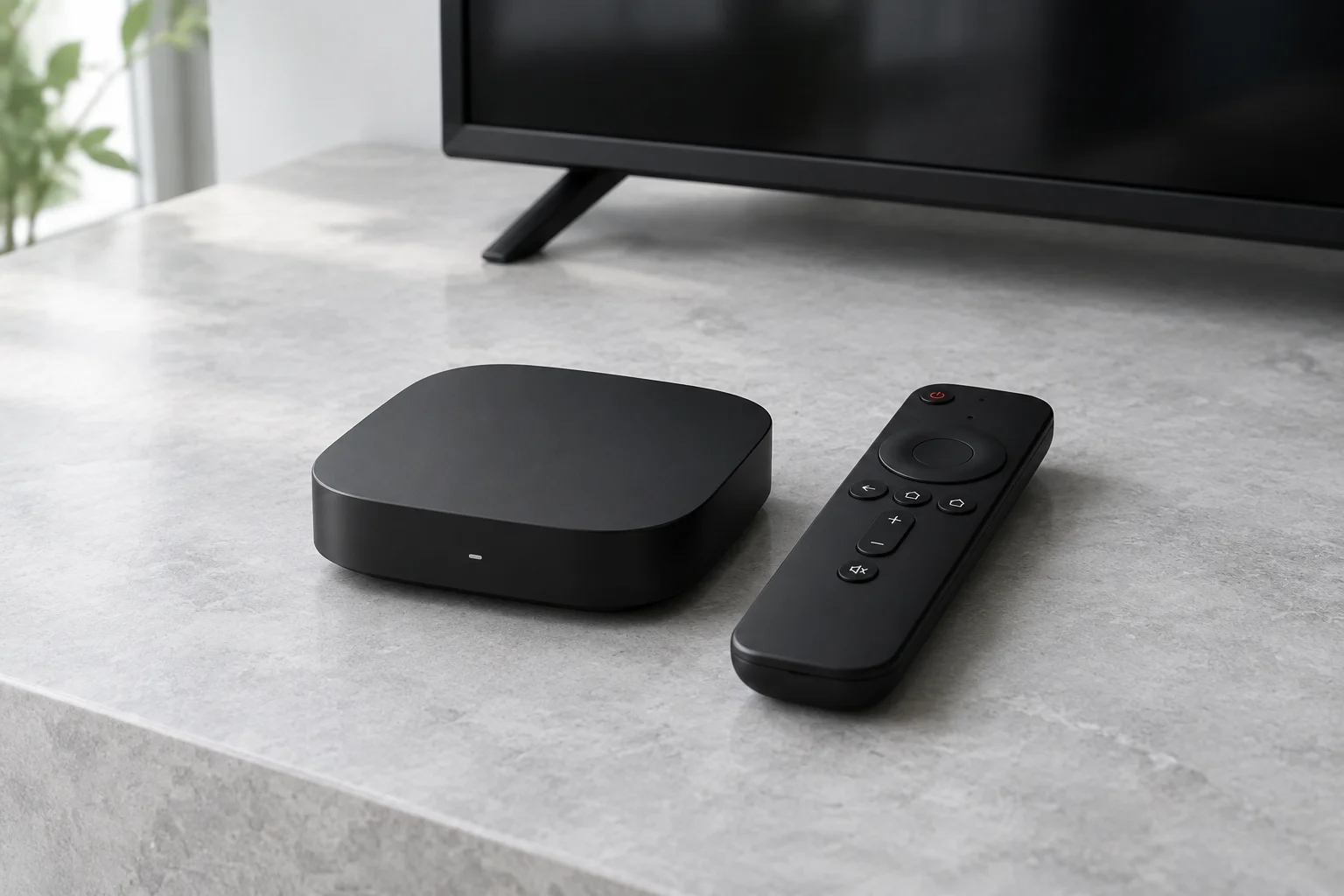
A player designed for the television
TiviMate is a media player from Armobsoft FZE. Its Google Play listing describes an interface designed for Android TV and remote-control navigation, rather than touch-screen phones or tablets. The app plays playlists that you supply; it does not include channels or a content subscription.
The publisher lists support for M3U playlists, Xtream Codes and Stalker Portal, along with a programme guide, favourites and multiple playlists. Some capabilities may require a premium upgrade. Paying for player features does not purchase viewing rights.
Check your device before installing
Look up TiviMate in the official app store on the device you intend to use. Match the publisher name to Armobsoft FZE and check the current listing requirements. Do not assume that every smart television or Fire TV model can run Android TV software.
App availability, operating systems and regional listings can change. An Android TV-focused interface is not a promise of compatibility with an iPhone, Samsung television or every streaming stick.
Add your authorised playlist
Install the app from a trusted source, then open its playlist setup screen. Choose the login or playlist format supplied by your licensed content provider. Enter the details exactly as supplied; a missing character in a server address can prevent the playlist from loading.
If your provider gives you a separate programme-guide address, add it in the EPG settings. Allow the initial update to finish, then check the time zone and open a channel you are entitled to watch. Menu names can differ between versions.
- Keep passwords private and avoid posting screenshots of login details.
- Use only playlists and streams you have permission to access.
- Check the current app upgrade terms before buying extra features.
If channels or the programme guide will not load
First establish whether the issue affects one channel or the whole playlist. Check your connection, confirm that your subscription remains active and ask the provider whether the supplied server address is still correct. Do not repeatedly buy new apps to solve a provider outage.
For programme-guide problems, verify the EPG address and time zone, then try a manual refresh. Recording, catch-up and multiview depend on the app edition, device storage and the permissions or connection limits of your provider. A player setting cannot create content or rights that the provider does not supply.
Sources and further reading
Official references for the guidance above. App availability and terms may change.