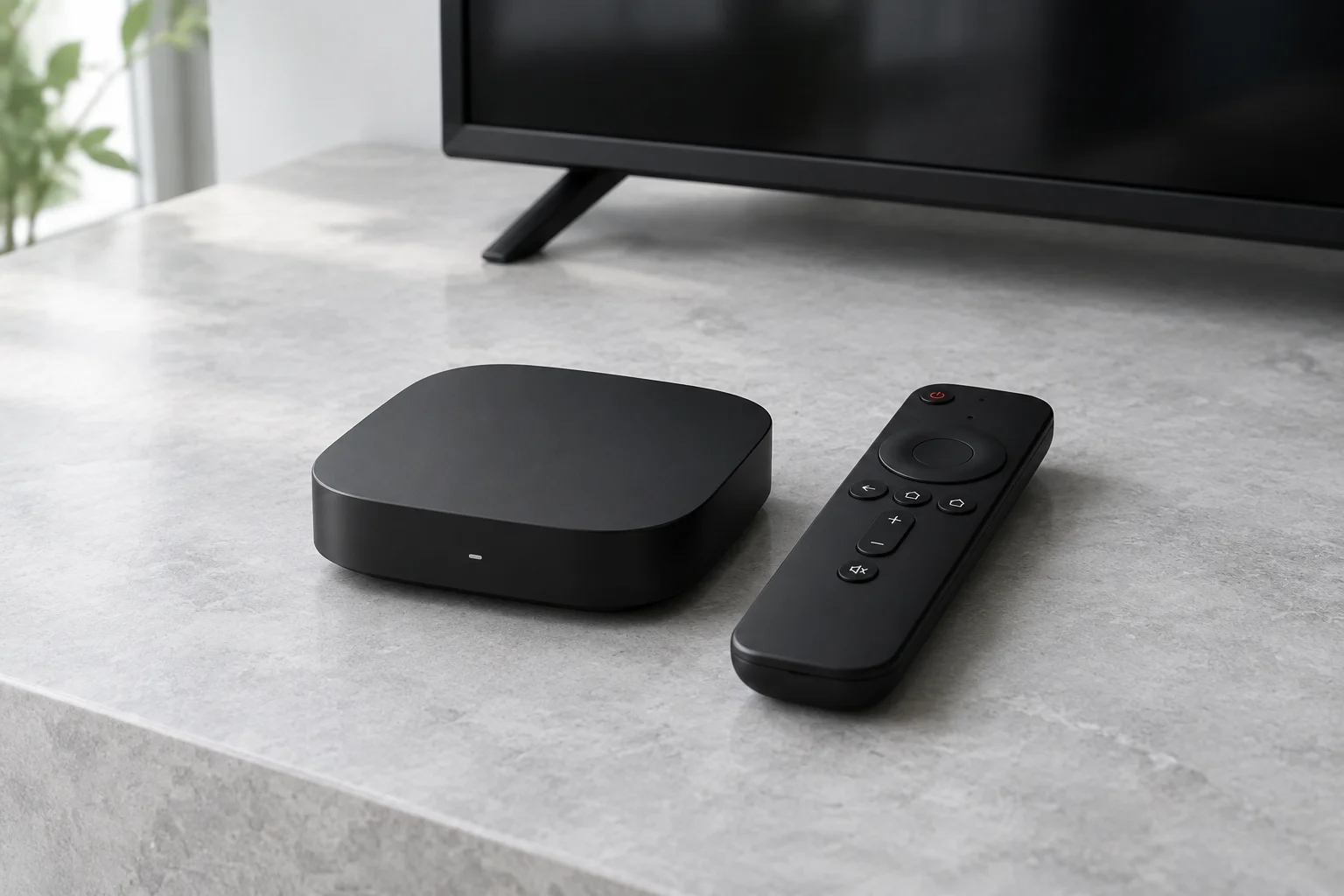
Fire TV models are not interchangeable
Find the model and software version in your Fire TV settings. Amazon publishes a model-to-operating-system table; use the exact entry for your hardware. Do not rely on a guide that simply says “all Firesticks”. App installation options and supported software can differ between generations.
Check the player on your own device
Search the on-device app store and match the developer to the publisher’s documentation. An Android app listing is not a guarantee that the same app is available or usable on your Fire TV. Avoid download codes from unidentified resellers and modified devices promising included channels.
Requirements and limitations
You need a television with a suitable HDMI connection, power for the streaming device, network access, compatible software and authorised credentials. Check remote navigation, subtitles and audio support before committing to a player. Provider connection limits still apply even when several apps are installed.
What to test before choosing a plan
Try normal playback on the same network you will use each evening. A trial should establish whether the player, account and device work together; it is not evidence of rights to distribute the content. Confirm those rights separately with the operator.
Sources and further reading
Official references for the guidance above. App availability and terms may change.