A smart TV is a category, not one platform
Televisions from different brands—and sometimes different generations of the same brand—use different software. Record the model number, region and operating system from the settings or manufacturer support page. An Android TV player is not automatically compatible with a Samsung or LG television.
Use the television’s own app store
Check the player listing directly on your television. Match its developer, supported playlist formats and activation terms to the official publisher information. A phone app with the same name may be a separate product with a different licence.
Built-in apps versus external devices
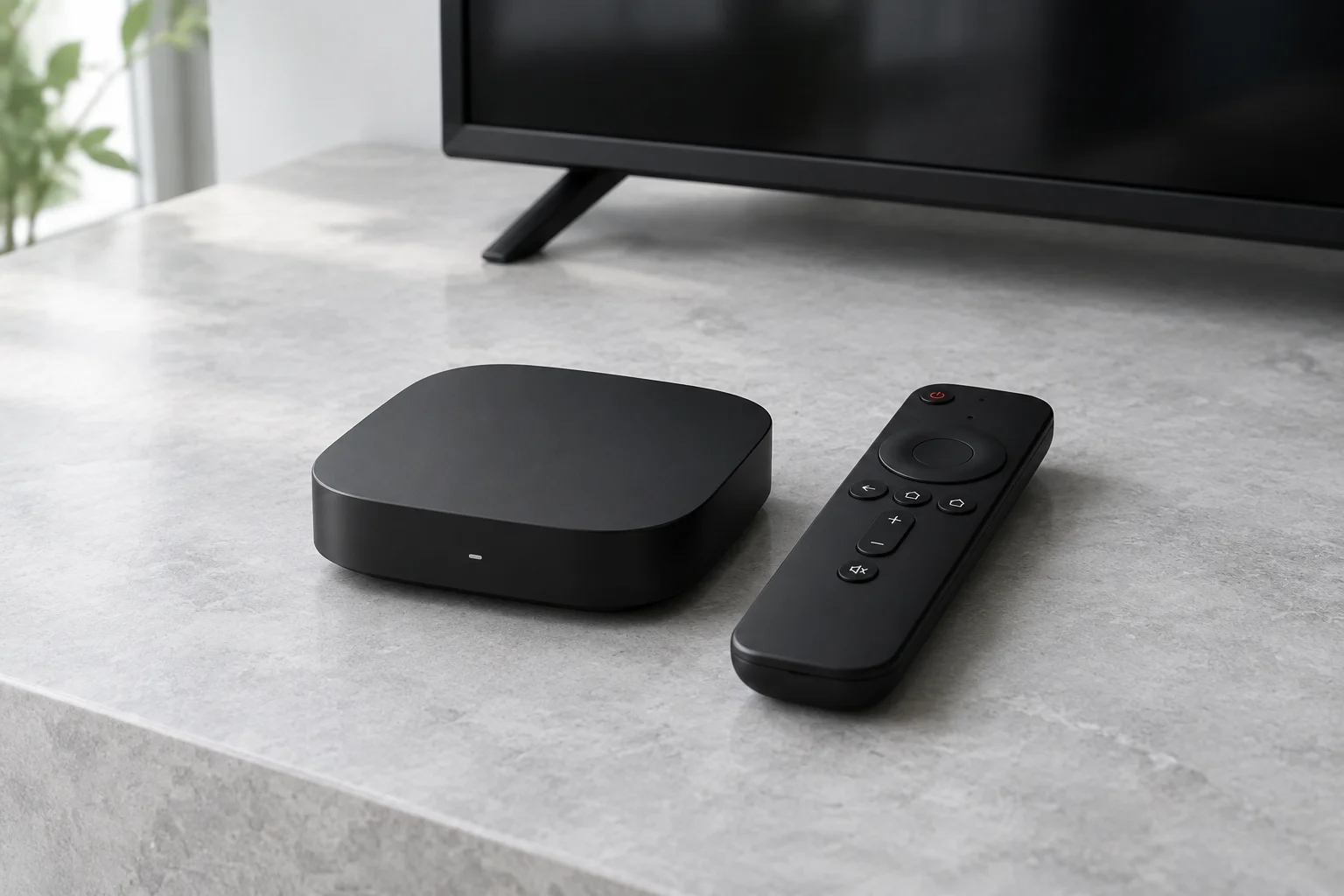
A built-in app avoids adding hardware, but its updates and formats depend on the television platform. An external streaming device has its own requirements and is not a guaranteed workaround. Check HDMI availability, remote controls and audio compatibility before buying extra equipment.
Shared-screen privacy
Review saved credentials, parental controls and purchases on a family television. Optional adult-content settings must be confirmed with the provider rather than assumed to exist in every player. Ask whether changing televisions requires account or app reactivation.